
Introduction
Welcome to the Fox Education brand space. Below you’ll find all the guidelines, assets, and rules you need to represent Fox Education consistently and professionally. Use this page as your reference whenever you prepare materials — from presentations and flyers to logos and internal templates.
Logo
The Fox Education brand includes both the main brand logo and the solution logos. Use each correctly to maintain clarity and consistency across all communications.
Brand Logo (Fox Education Logo)
Use the Fox Education logo when representing the company as a whole (e.g. corporate materials, partnerships, cross-solution projects).
Two versions are available: coloured and white.
Use the coloured logo on light or neutral backgrounds.
Use the white logo on dark or saturated backgrounds for optimal contrast.
Solution Logos (SchoolFox, KidsFox, TeamFox & Foxi)
Use these logos when communicating about a specific product or app.
Each solution has its own logo and colour palette — use them only within their respective contexts.
Use the coloured version whenever possible; switch to the white version on dark backgrounds.
Typography
Consistent typography ensures a unified and professional appearance across all materials.
The brand font is Gilroy.
Choose weights and sizes that provide clear hierarchy and readability.
Avoid mixing too many fonts — simplicity strengthens recognition.
Colours
Tip
Copy colour HEX codes directly by clicking on the palette in the Colours section. Always observe the examples shown for correct application and contrast.
FoxEducation
SchoolFox
KidsFox
Black, Grey & White
Video
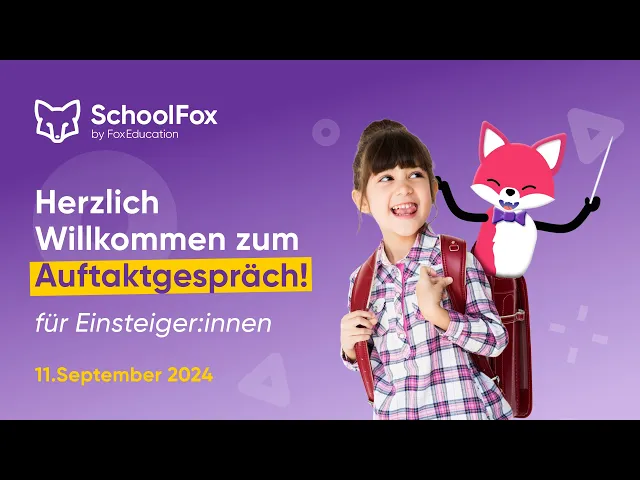
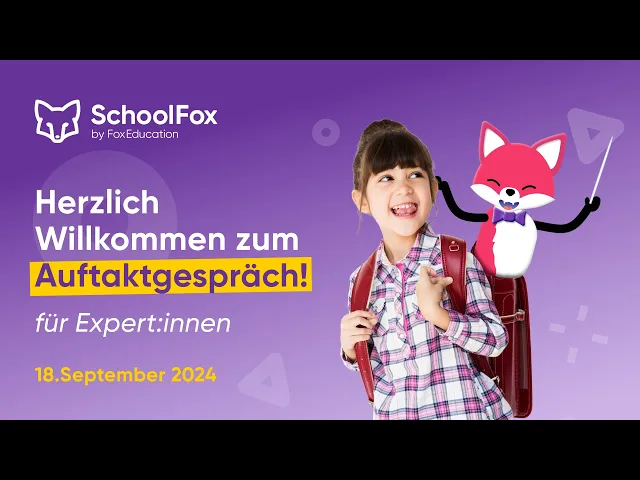
This is the Fox Education Videos library — your go-to resource for explainers and webinars.

Assets
Use approved assets to create professional and consistent brand materials.
Assets are organised by type: Flyers, Presentations, Whitepapers, Internal, etc.
Each file includes the language (e.g. “EN”, “DE”) and a version date.
