







Introduction
Welcome to the Sdui brand space. Below you’ll find all the guidelines, assets, and rules you need to represent Sdui consistently and professionally. Use this page as your reference whenever you prepare materials — from presentations and flyers to logos and internal templates.
Logo
When representing Sdui, always use our official logos. There are two versions: magenta and white.
Use the magenta logo on bright or light backgrounds for maximum visibility.
Use the white logo on dark backgrounds or when the coloured logo doesn’t provide enough contrast.
This practice keeps our branding clear and easily recognisable in all applications.
Typography
Our brand uses the TT Norms Pro Sdui font family for all communications.
Restrict yourself to using DemiBold, Medium and Regular font weights for a consistent and approachable look.
Do not use Bold, as it appears overly dark and heavy.
Refer to the Typography section for downloadable font files and further clarification. Always check which weight is most suitable for your design or document.
Weights & Styles
Colours
Tip
Copy colour HEX codes directly by clicking on the palette in the Colours section. Always observe the examples shown for correct application and contrast.
Colour & Shades
Black, Grey & White
Images
Images used in communications should reflect our human-centric ethos: choose photos of people displaying positive emotions and authentic interactions.
Devices may appear to hint at digital interaction, but the focus should remain on people rather than technology.
Review the examples and download approved images from the hub to maintain a consistent, relatable visual tone.
Video
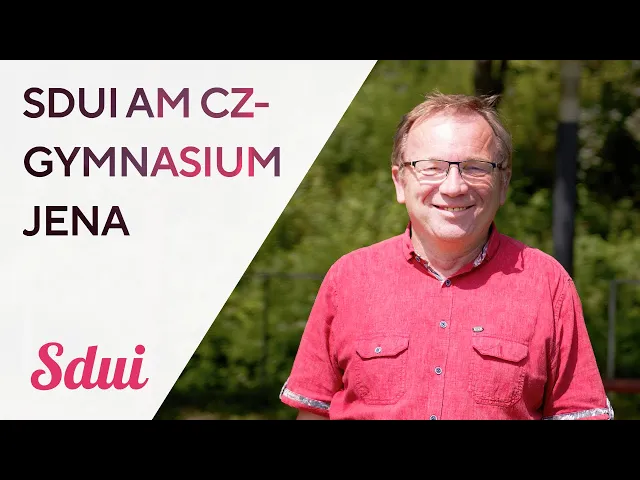
Video content includes testimonial and explainer videos. Most are available on YouTube, but all can be accessed via the Notion link below for easy viewing and sharing.


Assets
In the Assets section, you’ll find all the official flyers, presentations, whitepapers, templates, etc.
Files are labelled by type, language, and purpose to help you quickly select what's best for your project.
Check the asset descriptions and download the latest versions directly from the hub.

